
If you want to use your TracFone with another carrier, you’ll need to make sure your device qualifies for unlocking under TracFone’s current policy.
The good news is that most eligible devices can be unlocked automatically or through a simple request. However, the waiting period depends on when your phone was activated and which network it uses.
In this guide, we’ll explain the latest TracFone unlock rules for 2026, how to check your eligibility, and what to do if your phone isn’t yet eligible.
Read also: Is Tracfone Going Out of Business?
Why Unlock Your TracFone?
Unlocking your phone allows you to:
- Switch to another wireless carrier
- Use local SIM cards when traveling internationally
- Increase your phone’s resale value
- Take advantage of better plans and coverage options
TracFone Unlock Policy: Who Is Eligible?
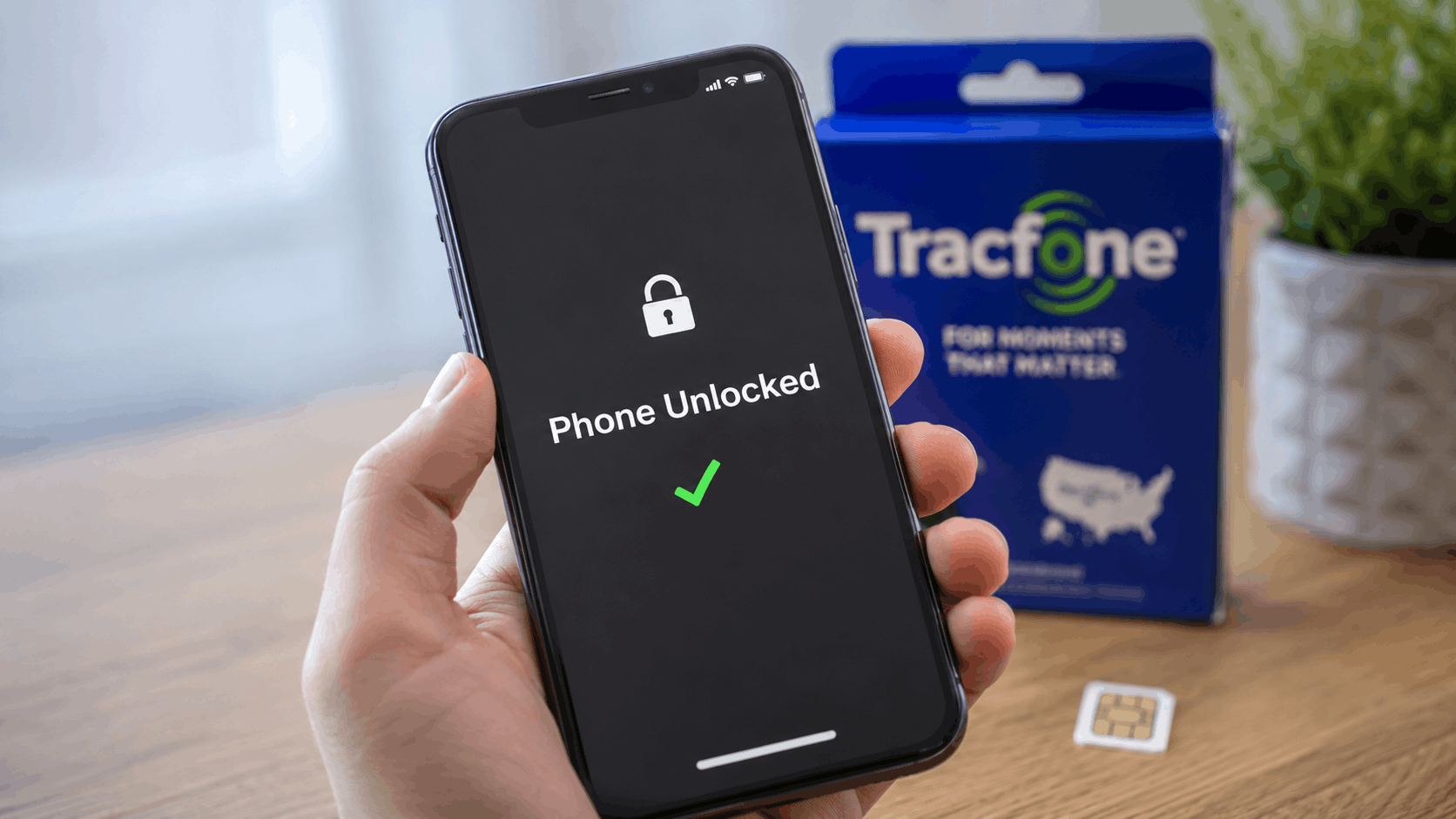
To qualify for unlocking, your phone must:
- Be in working condition and powered on
- Not be reported lost or stolen
- Show no signs of fraud
- Have been activated with a TracFone airtime plan on that specific device
Once those requirements are met, eligibility depends on the activation date and network.
Phones Activated on the Verizon Network on or Before January 19, 2026
If your device was activated on the Verizon network on or before January 19, 2026, it will be automatically unlocked after:
- 60 days from activation, and
- 60 days of paid active service
In most cases, no additional action is required.
Phones Activated on the T-Mobile or AT&T Networks on or Before January 19, 2026
If your phone was activated on the T-Mobile or AT&T network on or before January 19, 2026, you can request an unlock after:
- 365 days of paid active service
Eligible devices are unlocked remotely when requested.
Phones Activated on or After January 20, 2026
Beginning January 20, 2026, Verizon Value introduced a new unlocking rule.
Regardless of network, phones activated on or after this date become eligible for unlocking only after:
- 365 days of paid active service
Once the requirement is met, you can submit an unlock request through TracFone.
How to Check Unlock Eligibility
The easiest way to check your status is through TracFone’s online eligibility portal (tfwunlockpolicy.com).
You’ll need either:
- Your phone number, or
- Your device serial number
The system will tell you whether your device qualifies and provide any necessary instructions.
You can also contact customer support at 1-888-442-5102 for assistance.
How to Unlock Your TracFone
If your device is eligible:
- Verify eligibility online or through customer support.
- Follow the unlock instructions provided by TracFone.
- If required, insert a SIM card from another carrier.
- Complete any remaining on-screen steps.
Depending on the device model, TracFone may unlock the phone remotely or provide an unlock code.
Read also: How to Unlock Your Tracfone
What If Your Phone Is Not Eligible?
If your device has not met the required service period, you’ll need to continue active service until it becomes eligible.
TracFone may also deny an unlock request if the device has been reported lost, stolen, or associated with fraudulent activity.
Military Exception
Active-duty military personnel who receive relocation orders outside the Verizon Value coverage area may request an unlock even during the normal lock period. Proof of military relocation orders is required.
